
BoomBox - Drum Computer1.36 - Google Play
You'll be able to see results in few seconds.
Publisher Description


Welcome to the BoomBox!
This tool is designed to be a powerful, easy to learn, great sounding Drum Computer / Drum Machine / Stepsequencer / Music Maker.
Powerful, but easy to learn Stepsequencer
• Intuitive, clear and structured layout
• 8 simultaneous instruments with individual volume control
• Up to 128 patterns, each containing 16 steps
• Editing of the track during playback
• Great sounding results in short time
• No musical foreknowledge needed
• Ideal for beginners, great for experts
• Drumcomputer / Step Sequencer - Established ways to create music
Settings & Features
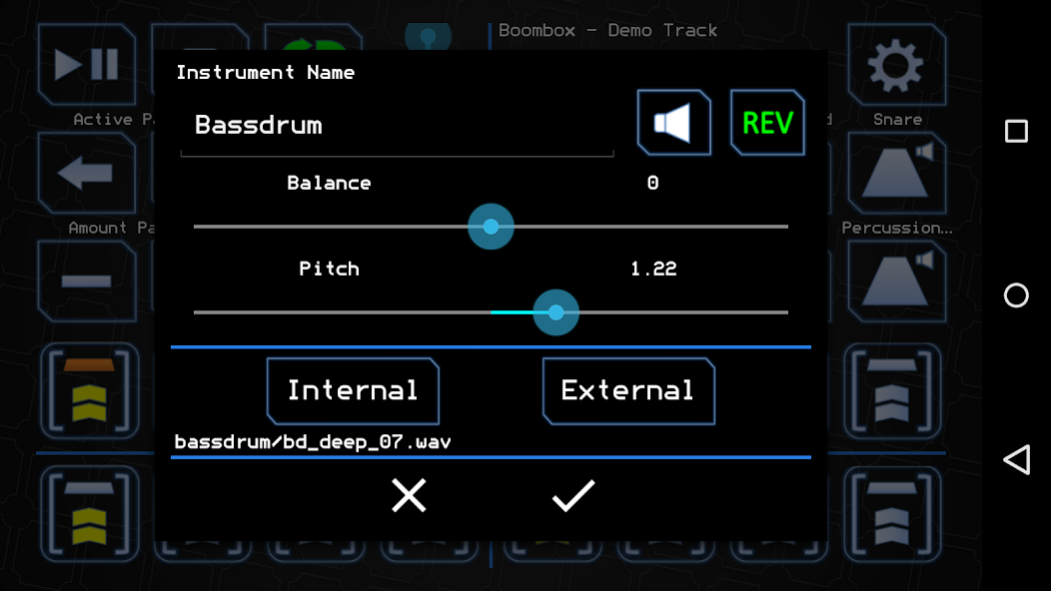
• Load your own Samples from the SD Card
• Share your Tracks
• Export to Ringtone
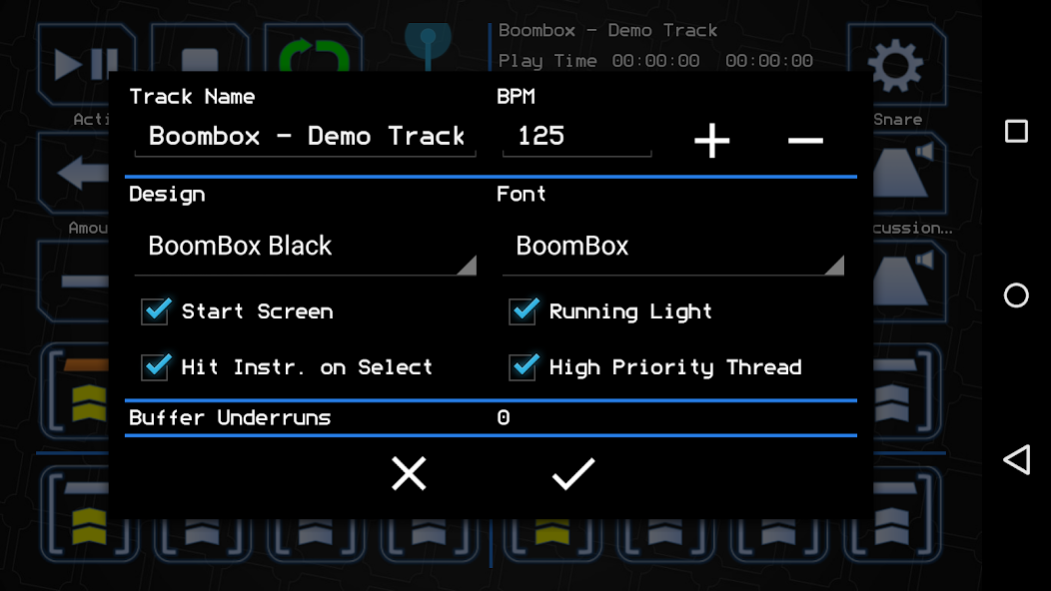
• Choose between 3 designs and 5 fonts
• Change the speed of the track between 1 and 2000 BPM
• Customize your experience
• 367 built-in samples of all genres of electronic music
• 21 demo tracks with 11 pre stored drumkits
• Fits all layouts / is built for tablets
Usage and Behaviour
• You can play Instruments while the Track is running
• Copy pattern by long clicking the pattern controls
• Switch between track and pattern replay
• Instant feedback by editing while playback
• A tutorial to get you started is included in the help section
• Change instruments by long clicking
• Assign individual names to tracks, drumkits or instruments
Utilisation
• Build loops, beats and tracks
• Your fast and always ready drumcomputer on your side
• Fits all genres of electronic made music
• From Hip-Hop to House and Hardstyle
• Samples are organised and named by categories
• Capture your ideas while on the move
• More features in future updates are coming for free
Have fun creating!
About BoomBox - Drum Computer
The company that develops BoomBox - Drum Computer is TAoS. The latest version released by its developer is 1.36.
To install BoomBox - Drum Computer on your Android device, just click the green Continue To App button above to start the installation process. The app is listed on our website since 2018-09-20 and was downloaded 0 times. We have already checked if the download link is safe, however for your own protection we recommend that you scan the downloaded app with your antivirus. Your antivirus may detect the BoomBox - Drum Computer as malware as malware if the download link to com.taosvdb.boombox is broken.
How to install BoomBox - Drum Computer on your Android device:
- Click on the Continue To App button on our website. This will redirect you to Google Play.
- Once the BoomBox - Drum Computer is shown in the Google Play listing of your Android device, you can start its download and installation. Tap on the Install button located below the search bar and to the right of the app icon.
- A pop-up window with the permissions required by BoomBox - Drum Computer will be shown. Click on Accept to continue the process.
- BoomBox - Drum Computer will be downloaded onto your device, displaying a progress. Once the download completes, the installation will start and you'll get a notification after the installation is finished.
Program Details
System requirements
Download information
Pricing
Version History
version 1.36
posted on 2018-09-20
version 1.33
posted on 2016-01-25
Release 1.33 (V21),- Emergency Fix on save function,Release 1.33,- Save and Export for Free [FEAT],- Pattern Limit raised to 128 [FEAT],- BugFix on Instrument Pitch [FIX],- Corrected App Package Name [FIX],- Libraries Update [FIX]
Disclaimer
Official Google Play Link
We do not host BoomBox - Drum Computer on our servers. We did not scan it for viruses, adware, spyware or other type of malware. This app is hosted by Google and passed their terms and conditions to be listed there. We recommend caution when installing it.
The Google Play link for BoomBox - Drum Computer is provided to you by apps112.com without any warranties, representations or guarantees of any kind, so access it at your own risk.
If you have questions regarding this particular app contact the publisher directly. For questions about the functionalities of apps112.com contact us.
